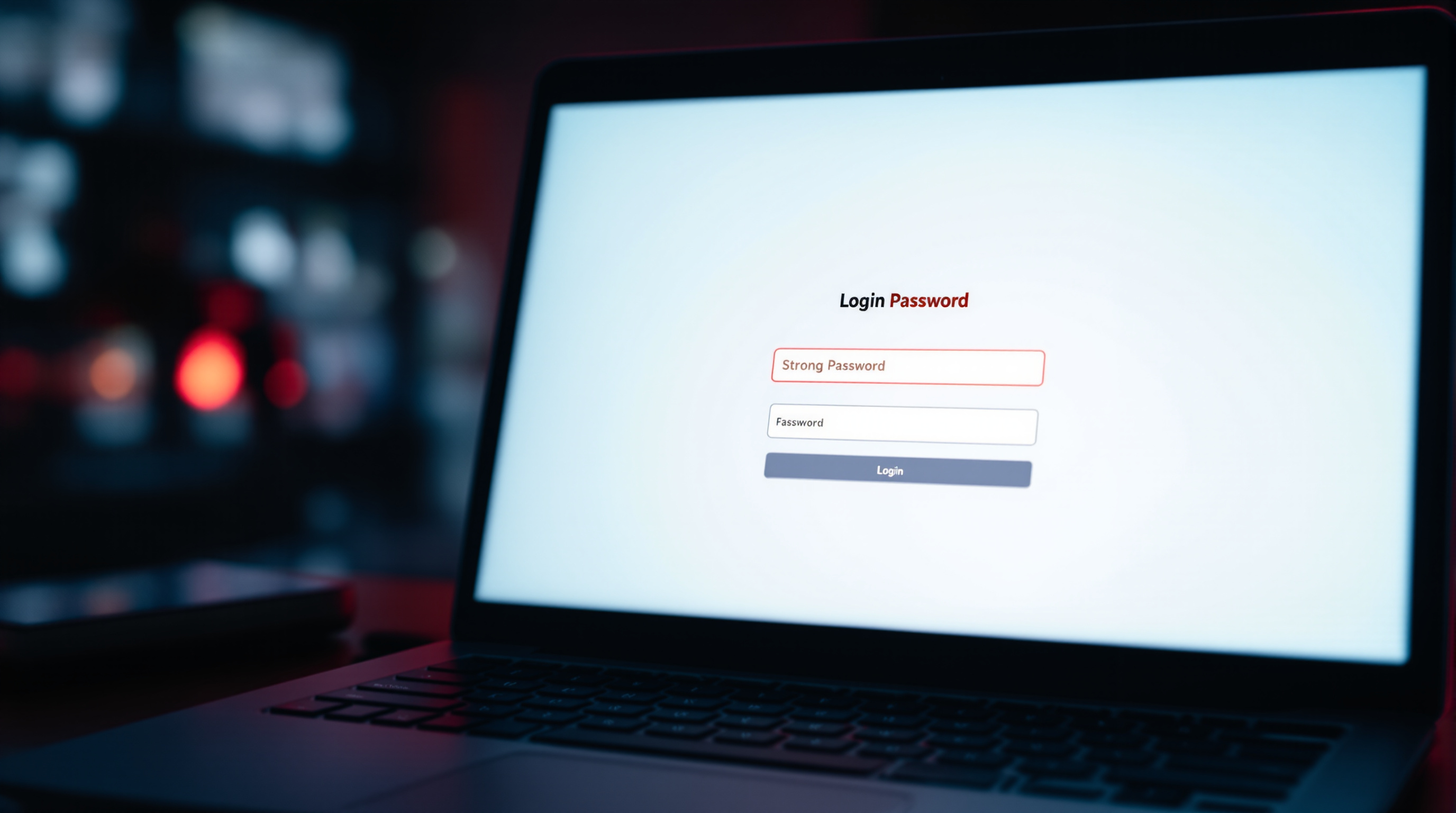
Secure login practices are essential for protecting your personal information and ensuring a safe experience in the fetish erotica community.
How to Create a Strong Password
A strong password is your first line of defense against unauthorized access.
Why it happens: Weak passwords are easy to guess or crack, making your account vulnerable to hackers.
How to reduce it:
- Use a mix of uppercase and lowercase letters, numbers, and special characters.
- Avoid using personal information like your name or birthdate.
- Make your password at least 12 characters long.
- Consider using a password manager to generate and store complex passwords.
What to Do When Using Public Wi-Fi
Public Wi-Fi networks can be convenient, but they also pose security risks.
Why it happens: Public Wi-Fi networks are often unsecured, making it easier for hackers to intercept your data.
How to reduce it:
- Avoid logging into your accounts on public Wi-Fi networks.
- If you must use public Wi-Fi, consider using a virtual private network (VPN) to encrypt your data.
- Always log out of your accounts when you're finished using them.
How to Enable Two-Factor Authentication
Two-factor authentication adds an extra layer of security to your account.
Why it happens: Even strong passwords can be compromised, and two-factor authentication helps prevent unauthorized access.
How to reduce it:
- Enable two-factor authentication on all your accounts.
- Use a trusted device for receiving authentication codes.
- Keep your authentication codes secure and do not share them with anyone.
Important:
Always be cautious when sharing personal information online. Even with the best security measures, there is always a risk of data breaches. Regularly monitor your accounts for any suspicious activity and report any concerns to the site administrator immediately.
What to Do When You Suspect a Security Breach
If you suspect that your account has been compromised, take immediate action to secure it.
Why it happens: Security breaches can occur due to various reasons, including weak passwords, phishing scams, or malware infections.
How to reduce it:
- Change your password immediately and choose a strong, unique one.
- Check your account activity for any unauthorized access and report it to the site administrator.
- Run a scan on your device for malware or viruses.
- Consider contacting a cybersecurity expert for further assistance.
When to Stop and Ask for Help
It's important to know when to seek help from professionals. Here are some signs that you should stop and ask for help:
- You receive suspicious emails or messages asking for your login credentials.
- You notice unauthorized transactions or changes to your account.
- You are unable to log in to your account despite entering the correct credentials.
- You suspect that your device has been infected with malware or viruses.
Important:
This article provides general tips for secure login practices, but it does not replace professional advice. If you have specific concerns about your account security, consult with a cybersecurity expert or the site administrator for personalized guidance.
For more information on peptides, visit peptideScore.
Readers looking into this may also want to explore eqno.